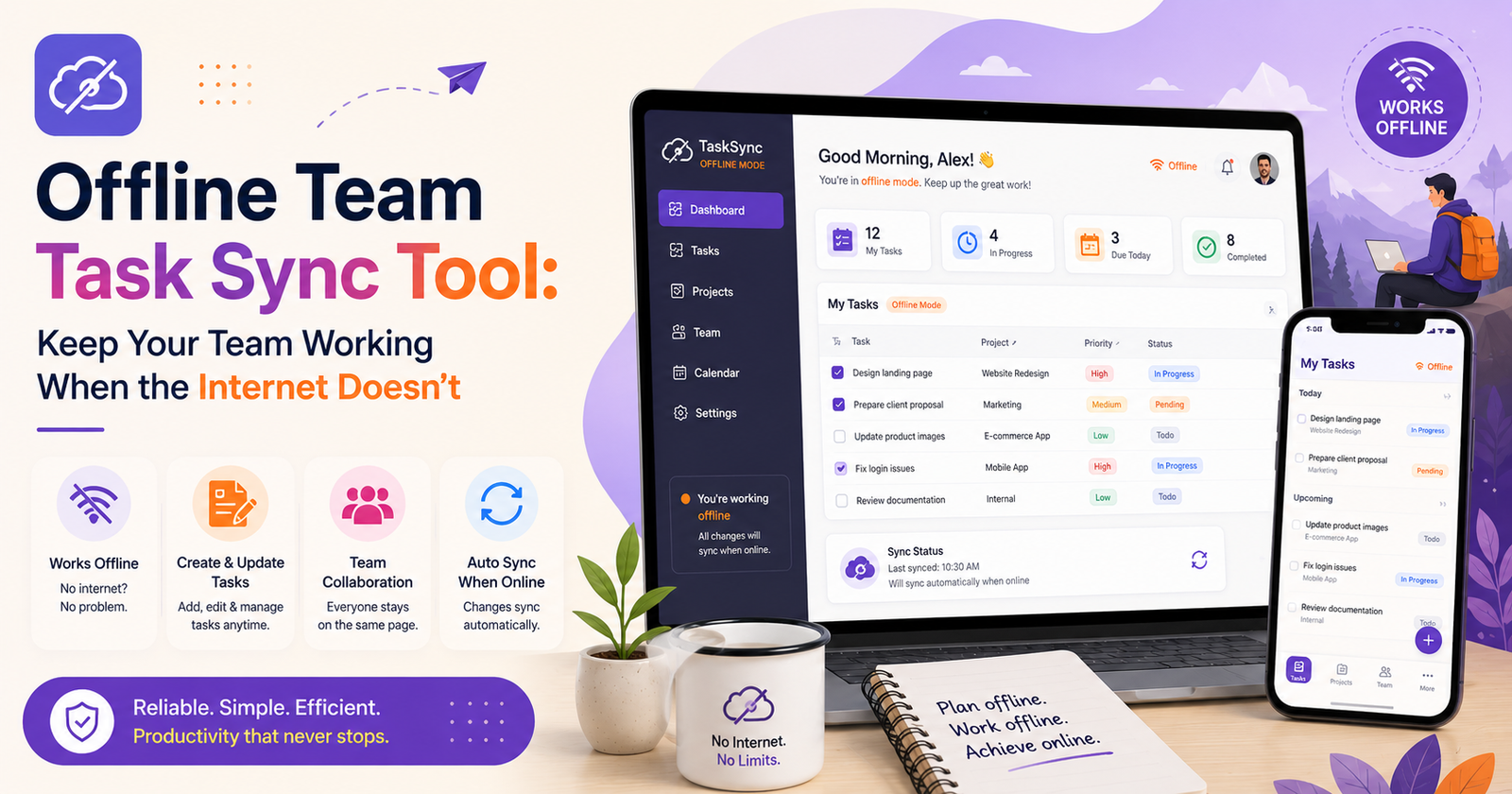

A friend of mine manages a crew of electricians, and she told me once that half her job used to be reconstructing the day after the fact — figuring out who did what, in what order, because the app they used just froze the second someone walked into a basement with no signal. Tasks wouldn’t update. Checklists wouldn’t save. Everyone just kept working from memory and hoped it lined up once they were back above ground with bars on their phone. Sometimes it didn’t. That’s the whole reason offline team task sync tools exist, and if you’ve never worked somewhere with spotty connectivity, it’s easy to underestimate how much this actually breaks day to day.
What “Offline-Ready” Should Actually Mean
A lot of apps claim offline support, and then you try it and, no, it just lets you look at cached data like a museum exhibit. That’s not the same thing as actually working offline. A tool that really handles it lets people:
- create and edit and finish tasks with zero connection, full stop
- trust the changes actually saved locally, not just floating in memory waiting to vanish if the app crashes
- sync automatically the second a signal comes back, no manual refresh, no re-sending anything by hand
- avoid the mess where two people edited the same task offline, and now one version just disappears
Why This Matters More Than People Assume
For an office team, wifi dropping for ten minutes is barely a blip. For a technician inside a building with a dead signal, or a driver out in a rural stretch, losing the task list for hours is a real operational hit. Jobs get missed. Updates just evaporate. And then everyone’s back online trying to rebuild what actually happened during the gap, which is its own kind of exhausting.
The Part Nobody Talks About: Sync Conflicts
Even the tools that do offline mode reasonably well can still cause headaches if the syncing isn’t handled with care. Two people edit the same task while both offline — what happens then? If the app just does “last save wins” without telling anyone, someone’s work quietly gets erased and they won’t even know until later, if ever. That’s arguably worse than not having offline mode at all, because now people think their work is saved when it isn’t.
What Actually Separates the Good Tools
Local-first storage matters most, probably. Tasks should live on the device first and sync up second — not the reverse. That’s the real difference between something that works offline and something that just fails a little more gracefully than the competition.
Conflict resolution needs to be visible, not silent. Flag it, let a human decide which version is right, don’t just pick one and move on.
And sync status needs to be obvious at a glance. People need to know whether their update actually went through or is still sitting there waiting. Uncertainty here is exactly what leads to duplicated work and missed updates in the first place.
Trust Gets Built Slowly
The real test isn’t the demo; it’s whether your crew actually believes the tool will hold up during a real job with dead signal. That kind of trust doesn’t come from a feature list — it comes from weeks and months of the thing just… working, quietly, the same way every time.
Final Thoughts
Connectivity gaps aren’t going anywhere, especially for teams that don’t sit in an office all day. An offline team task sync tool turns those gaps from a source of lost work and confused Monday-morning reconstructions into a non-event.


[…] once sat through a two-hour onboarding call just to learn how to build a dashboard that, in the end, showed three numbers. Three. Signups, […]
[…] only solves part of it. The other big lever is the source of the electricity itself. Large operators have become some of the biggest corporate buyers of renewable energy on the […]
[…] a rundown of common science myths. The kind that get repeated constantly, sound completely plausible, and just don’t hold up once you actually dig into the […]