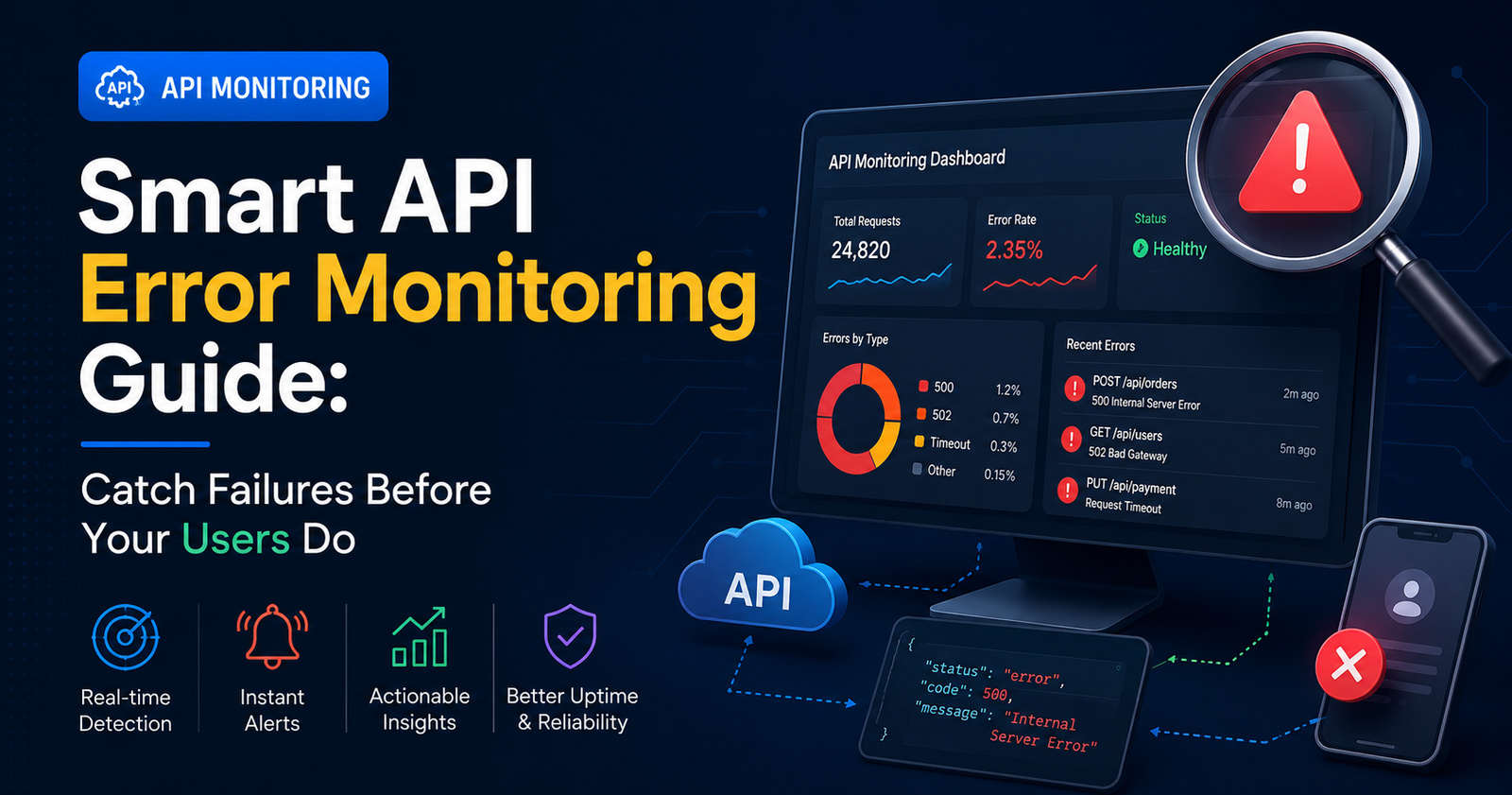

I found out about a broken payment API the same way most teams do: from an angry customer email, three hours after the thing actually broke. Nobody on the team noticed. There was no alert, no dashboard flashing red, just a slow trickle of confused users and then, eventually, someone forwarding the complaint into Slack with a “??? is this real.” It was real. And it had been real since 9 am.
That’s the whole problem in one story, honestly. APIs fail quietly. They don’t send up a flare. Unless something is actively watching them, a broken endpoint… sits there, failing, until a human stumbles into it. Smart API error monitoring is the fix for that gap, and once you’ve lived through one of these silent-failure afternoons, you stop thinking of it as optional.
Okay, So What Does “Smart” Even Mean Here
Everyone slaps “smart” on their product page. Doesn’t mean much on its own. What I actually care about, when I’m looking at a monitoring tool, comes down to a handful of things:
- Does it know what normal looks like for this specific endpoint, or is it just watching for one hardcoded number?
- When five errors occur due to the same root cause, do I get five alerts or one?
- Does it tell me which failures actually matter — checkout breaking versus some internal health-check hiccup nobody cares about
- Can an engineer look at the alert and start fixing the thing immediately, or do they need to go digging through four other tabs first?
If the answer to most of those is no, it’s not really smart monitoring. It’s just a dashboard with delusions of grandeur.
Why the Old Threshold Approach Keeps Letting Things Slip
Static thresholds sound reasonable on paper. Set an alert for “error rate above 5%,” done, go home. Except real traffic is messy and doesn’t care about your tidy rule. A quiet Tuesday morning might naturally run a higher error percentage than a packed Friday, just because the traffic mix is different. The threshold can’t tell the difference between actual chaos and normal noise, so it either screams at you constantly (and gets ignored, which is worse) or stays silent right when something’s actually on fire.
I’ve seen both failure modes on the same team, in the same month. Alert fatigue killed trust in the system, then two weeks later a real outage slid right past because the numbers technically stayed under the line. Neither outcome is acceptable, and neither should really surprise anyone who’s worked with production traffic for more than a few months.
What It Actually Costs You
A payment gateway rejecting valid transactions for even twenty minutes is real money walking out the door. A third-party integration timing out quietly can wreck a whole workflow for hundreds of people before anybody in engineering has opened a laptop that morning. The longer it goes unnoticed, the more expensive the fix gets — not just in dollars, but in the slow bleed of customer trust that doesn’t come back easily.
What Actually Matters When You’re Picking a Tool
Real-time alerts with context, first — meaning the notification should already contain the request payload, the status codes, the latency, whatever an engineer needs to start without opening five more tools. Root cause grouping matters more than people expect too; nothing burns out a team faster than ten pings for what turns out to be one bug. Historical trends help you catch the slow leaks, the dependency that’s degrading bit by bit over three weeks instead of breaking all at once. And integration with wherever your team already lives — Slack, whatever ticketing tool, email if you’re old school — because a dashboard nobody opens is worthless no matter how pretty it looks.
It’s a Habit, Not Just Software You Bought
Buying the tool is the easy part, honestly. Teams that actually get value out of this stuff review the recurring patterns weekly, tighten the rules as they learn what’s noise and what isn’t, and treat every incident as something to learn from instead of just putting out the fire and moving on like it never happened.
Final Thoughts
APIs hold everything together behind the scenes, and when they fail without telling anyone, the whole thing suffers quietly until it isn’t quiet anymore. Smart API error monitoring is the early warning system that turns a 3 am scramble into something calmer and more controlled. Doesn’t matter if you’re running a two-person side project or maintaining infrastructure for thousands of people — the first time it catches something before a customer does, you’ll wonder how you went without it.


[…] their team and watch what happens. There’s a pause. Maybe a laugh. Then something like “it depends on the client, honestly” — which is another way of saying nobody actually wrote it down, and the process lives […]
[…] platforms usually come with a real learning curve attached. New hires need actual onboarding just to find where things live, and something that should take […]
[…] belief that food dropped on the floor is safe if picked up within five seconds doesn’t really hold up under actual testing. Research on this specific […]
[…] gaps aren’t going anywhere, especially for teams that don’t sit in an office all day. An offline team task sync tool turns those […]