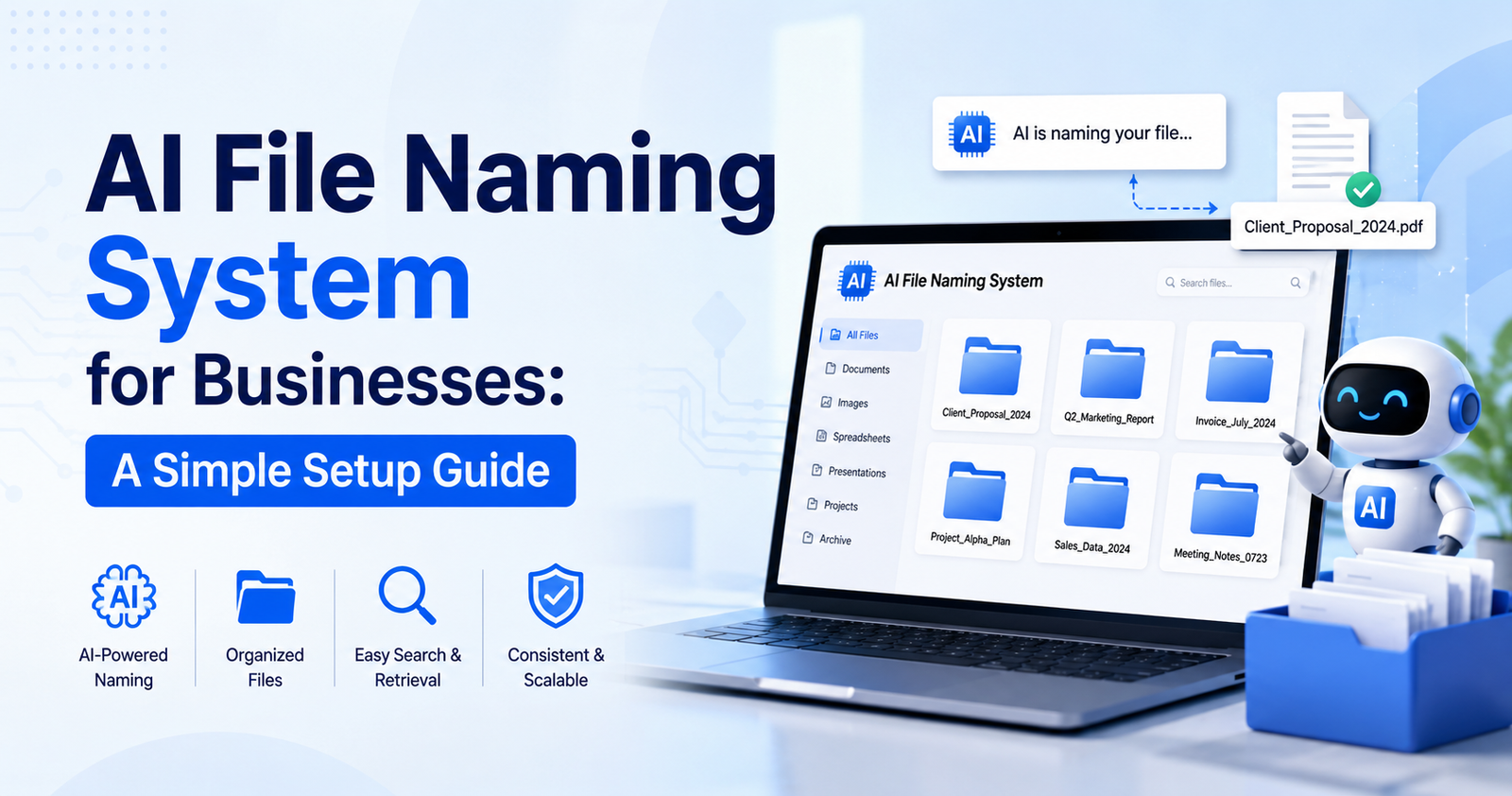

Every business ends up with a folder called “Final_v2_actuallyfinal.docx” at some point. Nobody plans it that way. It just happens, one rushed save after another, and then one day you open the shared drive looking for last quarter’s contract and there are six files that could plausibly be it. An AI file naming system fixes this in the background. Quietly. Nobody has to change how they work, which is honestly the only reason these tools ever get adopted in the first place — ask any office manager who’s tried to enforce a naming policy by email and gotten three replies before everyone went back to “Untitled document (14).”
This guide walks through what these tools do, why the mess actually costs more than people think, and how to set one up without burning a whole afternoon on it.
What an AI File Naming System Actually Does
Sounds fancier than it is. The software looks at a file’s content, its metadata, sometimes the file type itself, and then it suggests — or just applies — a name that makes sense.
It Reads the Content. It Doesn’t Just Guess From the Title
Old-school renaming tools only had the filename to work with, whatever someone happened to type into the save box. AI tools skip that entirely. Open the PDF, find the invoice number, name the file after it. A blurry phone photo of a receipt turns into “Receipt_OfficeSupplies_2026-03-14.pdf” instead of sitting there forever as “IMG_4021.jpg.” Nobody typed anything.
It’s Consistent. Which People, Frankly, Are Not
Under deadline pressure people get sloppy. One person writes “Client Report Jan.” Someone else does “client_report_january” because apparently underscores felt right that day. A third person just calls it “Report1” and moves on with their life. An AI system doesn’t care who’s rushed or who forgot the convention — same rules, every file, every time.
Why This Actually Matters
It feels minor. A little annoying, maybe, until you actually measure the cost of it.
Employees lose more time than you’d guess just hunting for documents — five minutes here, ten there, and it adds up fast across a team. A predictable naming pattern turns that five-minute hunt into something closer to five seconds, because now the file name itself tells you what you need to know.
There’s also the version problem. Five people on a shared drive, “final” stops meaning final pretty quickly. Dates or version numbers baked into the name — automatically, so nobody forgets — take the guesswork out of which file actually goes to the client.
And new hires. Drop someone into a chaotic folder structure and their first two weeks basically disappear into “wait, where does this go?” A predictable system works almost like a map. They figure it out on their own instead of interrupting a coworker for the tenth time in a day.
Picking the Right Tool
Not every tool fits every workflow — pick wrong and you’ve just added a step instead of removing one.
Content-aware renaming matters most. Look for something that reads inside the file rather than trusting whatever name it arrived with, especially for scans and invoices and anything that comes off a phone with a name like DSC_0392.
Integration matters too. A tool that only works inside its own separate app is basically another chore. It needs to live where your files already live — Google Drive, OneDrive, Dropbox, whatever your team actually uses.
And batch processing. One file at a time defeats the entire point. You want to point it at a folder of a few hundred unsorted documents and walk away.
Building a Naming Convention That Doesn’t Fall Apart
The software’s only as good as the rules you give it. Vague convention, vague results — that part’s not complicated.
Keep the structure simple. Three or four pieces, usually: category, client or project, date. “Invoice_AcmeCorp_2026-05-01” tells you everything before you’ve even opened it.
Dates go year-month-day. Not month-day-year — that sorts wrong, and once a folder has a few hundred files in it, sorting correctly by date saves real time, not theoretical time.
And don’t cram every possible detail into the name. A name with everything in it becomes unreadable at a glance, which defeats the whole point. Save the extra detail for inside the document.
Rolling It Out Without Everyone Ignoring It
Good software matters less than getting people to actually use it.
Start with new files only. Trying to rename an entire historical archive on day one is how projects like this die in week one. New files first, backlog later, during a slower week when nobody’s under deadline pressure.
Write it down somewhere. One page. Naming pattern, two or three examples, done. A design agency might use something like [ProjectCode][DocumentType][Date] — a logo turns into “PJ204_LogoFinal_2026-04-02” and everyone, current team or someone hired next year, knows exactly what it is without opening it.
Then check back in a month. Conventions that look great on a whiteboard sometimes fall apart the second real files hit them. Ask what’s annoying people. Fix it. Don’t force a broken system to stay rigid just because it was the original plan.
Mistakes People Keep Making
A few patterns come up over and over when businesses first try this.
Making it too complicated — six-part structures with abbreviations nobody remembers just send people right back to guessing. The simpler it is, the longer it survives past the initial enthusiasm.
Forgetting about special characters. Some naming setups quietly break the moment a slash or colon shows up, and certain cloud platforms just won’t sync files with the wrong characters in the name. Letters, numbers, hyphens, underscores — that’s it, that’s the safe list.
And ignoring the backlog forever. Two systems running side by side indefinitely — one clean, one a mess — isn’t really a solution, it’s just deferred cleanup. Doesn’t need to happen all at once. Just needs to happen.
Final Thoughts
An AI file naming system isn’t glamorous. It’s not going to show up in a pitch deck. But it quietly removes one of the most common daily annoyances in a growing business, and once the convention’s set and the software’s running, nobody has to think about file names again. They just find the thing. Every time. Without the search.




-
-
-
-
-
Show Comments[…] you store the database file matters more than people assume. Don’t just leave it sitting loose on the desktop. Put it in a clearly […]
[…] comes down to discovery order, not any alphabetical planning. Vitamin A showed up first, early 1900s, and from there chemists and physicians kept […]
[…] it takes ten minutes just to understand the map, the whole point is defeated. Good tools stay simple by default and let you zoom into detail […]
[…] happening in real time as it occurred. That gap, between what we think we’re doing with our devices and what we’re actually, measurably doing, is honestly where most of the genuinely […]
[…] restart prompts indefinitely. Updates that never get applied leave the system half-patched, which is arguably worse than not updating at all. Just schedule the […]